Make it yours
Choose a main picture and the photos that will become its tiles. Your original image files are not edited.


Free creative app
Windows · macOS · Linux · AndroidPhoto Mosaic Creator Pro
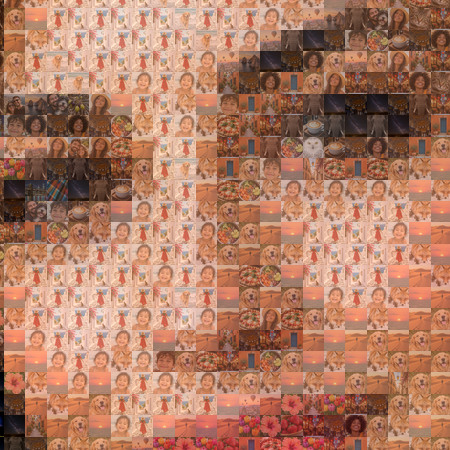
Create a photo mosaic from the pictures you already love. Choose a main image and your own tile photos, refine the look, then export a keepsake ready to share or print.
Free to use · No ads or in-app purchases · Windows Store edition

Your photos stay on your device. Mosaic creation runs locally.
Shape the result. Adjust detail, clarity and tile placement.
Make it tangible. Export a 300 DPI PNG or print PDF.
What you can make
Bring small pictures together to recreate a larger image. The creative controls let you decide how faithful, varied or detailed it should feel.
Choose a main picture and the photos that will become its tiles. Your original image files are not edited.
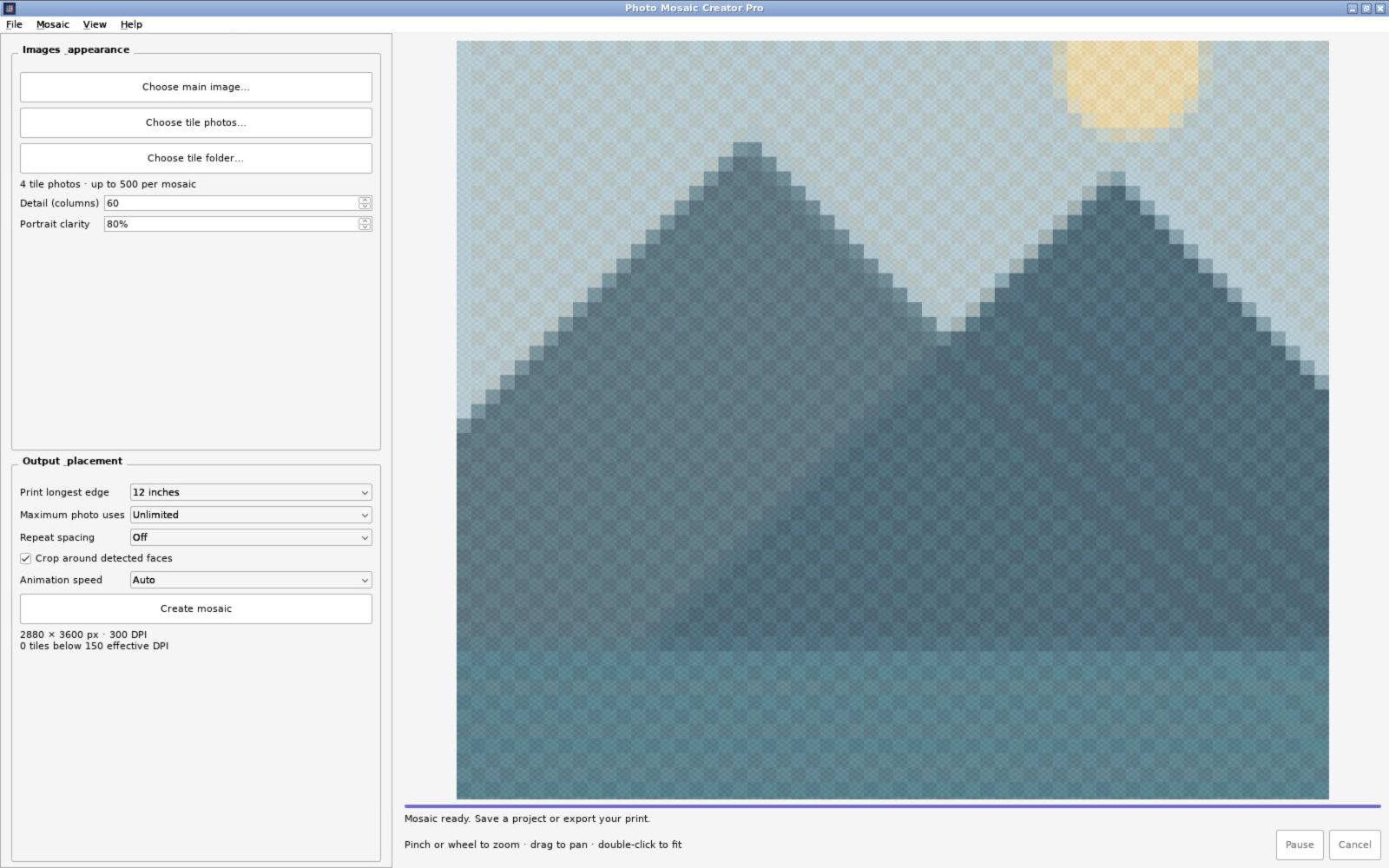
Adjust tile detail and portrait clarity, control photo reuse and spacing, and watch the mosaic appear tile by tile.
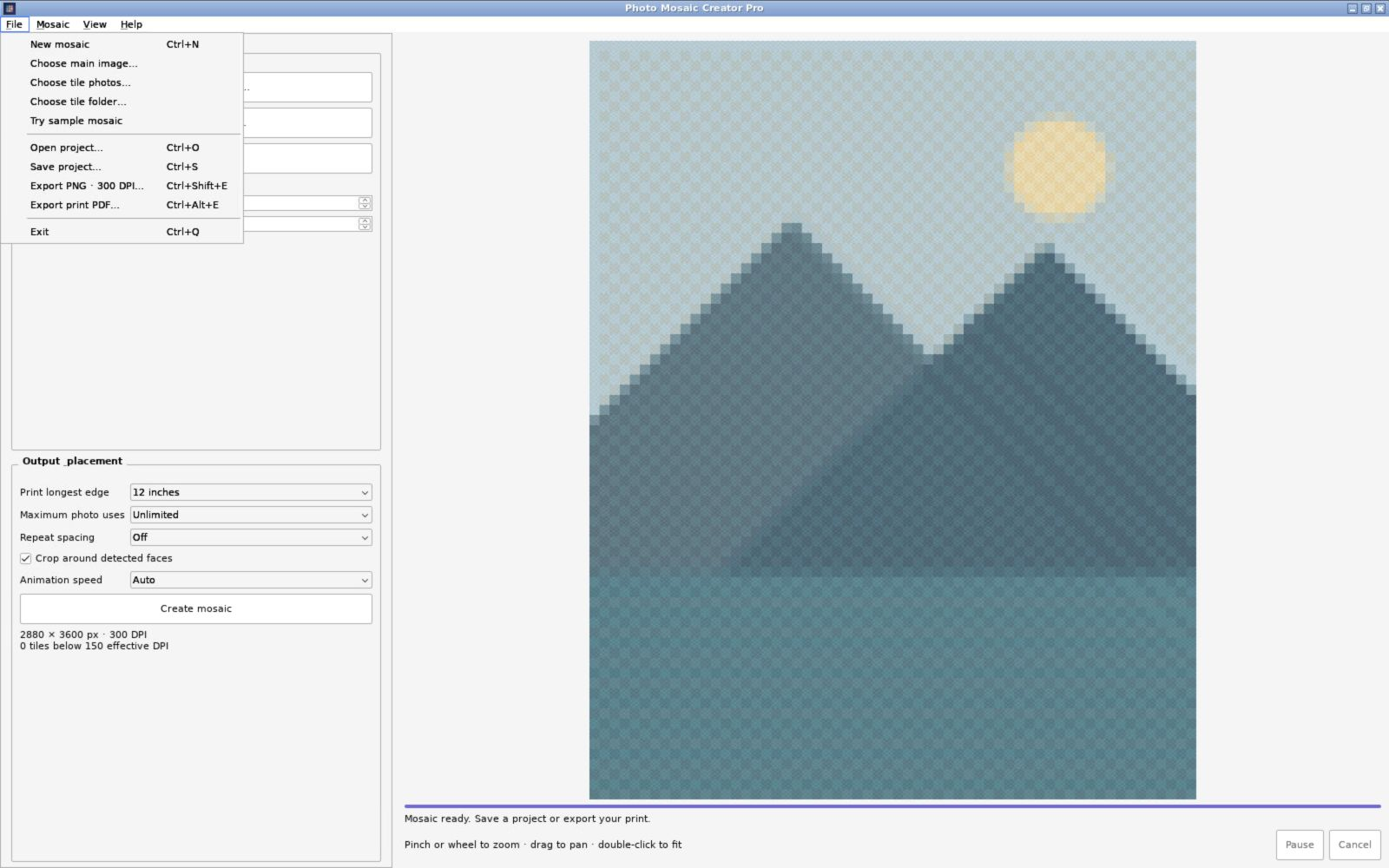
Export a 300 DPI PNG or print-ready PDF, with sizes up to 24 inches on the longest edge.
Inside the app
Real screenshots from the Windows edition, shown at their original proportions. Controls and appearance vary on other platforms.
Get started
The download for your device appears first. Preview packages may need manual installation.
 Windows · Microsoft Store
Free Windows edition. Install and update through Microsoft Store.
The Windows Store edition installs and updates through Microsoft Store. Direct packages are development previews, may require manual steps, and use the Mosaic Creator name in their filenames.
Microsoft Store edition or version 0.4.0 · 64-bit preview installers.

Version 0.3.0 · debug APK for testing; requires permission to install from outside a store.
iPhone, iPad and Apple Watch builds are in development and have no public download link yet. If you need help choosing or installing an edition, contact us below.
Questions about Photo Mosaic Creator Pro? support@sopetechnology.com
Read the app privacy policy ↗
